Long gaming sessions can be thrilling, but they also take a toll on your body and mind. I’ve learned over the years that even ten minutes away from the screen can reset my focus and keep me from burning out. The problem was always the same: stepping away meant missing out on the action with my squad, or worse, getting kicked for inactivity. That all changed when Epic Games added Sleep Mode to Fortnite. It’s one of those quiet, behind-the-scenes features that didn’t make flashy headline news, but for players like me who value both health and squad cohesion, it’s a genuine game-changer.
Sleep Mode is essentially a smarter way to be AFK. Instead of your character just standing motionless in a lobby or leaving your friends guessing whether you’ll be back, the game now takes control. Once you’ve been idle for a set amount of time—no keyboard taps, no controller nudges—Fortnite gracefully slips into a low-energy state that pauses things like voice chat and time-tracking features, while marking you as Away in the friends list. The beauty is that your party can keep playing without you, and you don’t get removed. It’s like telling your friends, “I’ll be right back,” without ever opening your mic.
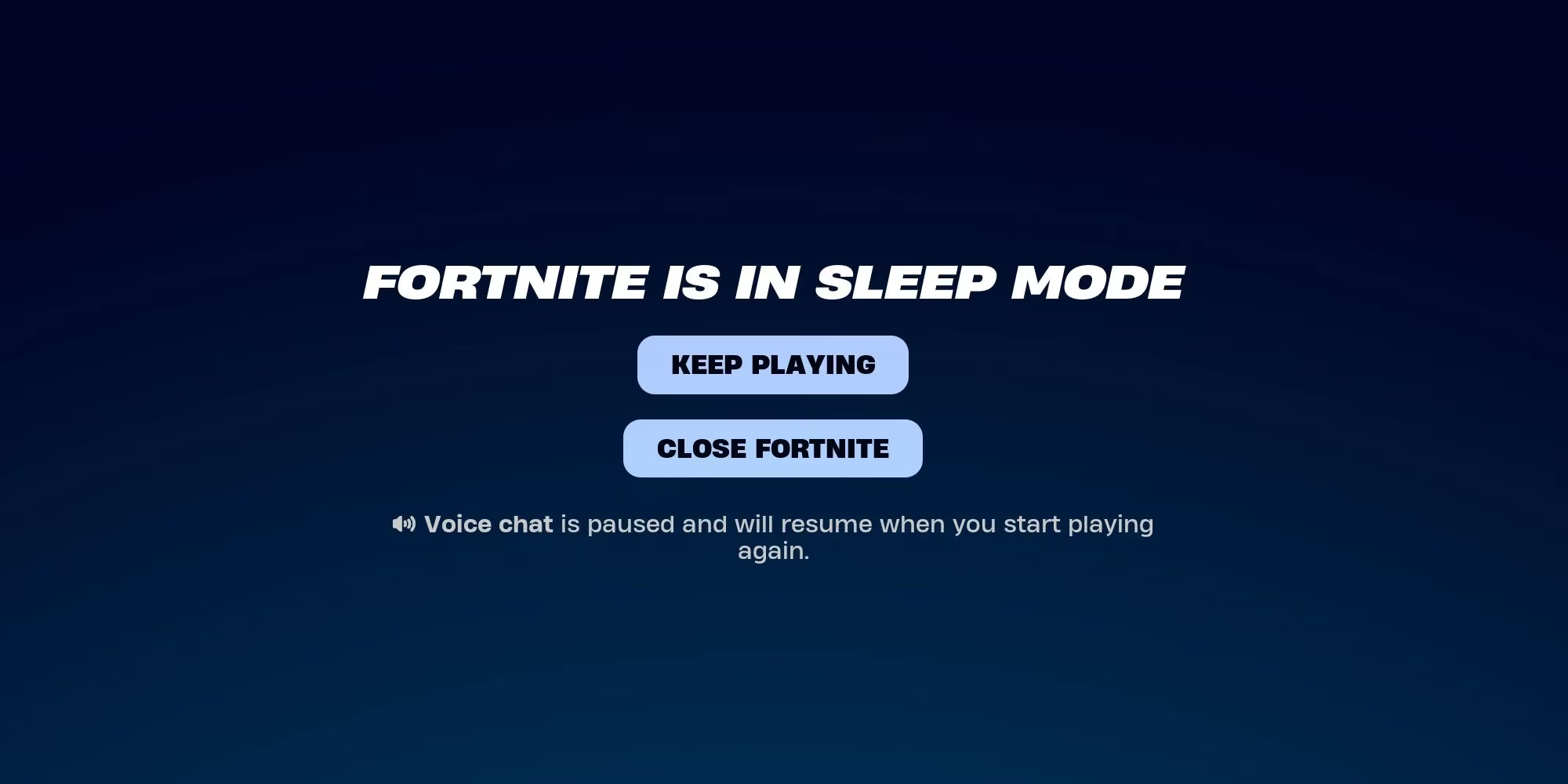
The first time I experienced Sleep Mode, I was skeptical. It was a late-night grind, and I needed a quick stretch and hydration break. I left my character standing in the lobby, expecting to return to a disconnected session. Instead, after exactly 15 minutes, the screen dimmed and a calm interface appeared. My voice chat went silent, I was marked Away, and the game essentially said, “We’ve got you.” When I came back and selected Keep Playing, everything resumed seamlessly. My squad had been fighting through the storm without me, and I slid right back into the party as if I’d never left.
What actually happens during Sleep Mode? According to Epic Games, the feature automatically pauses Voice Chat, suspends the new Time Limits parental controls, and halts Time Reports. These small tweaks mean that if you’re a parent monitoring playtime for a kid, or a grown adult regulating your own screen time, the clock stops while you’re away. It also saves a bit of energy, since the game enters a standby-like state—not a huge deal for a PC’s power bill, but a thoughtful touch nonetheless. The party leader or other members don’t need to do anything special; things just carry on.
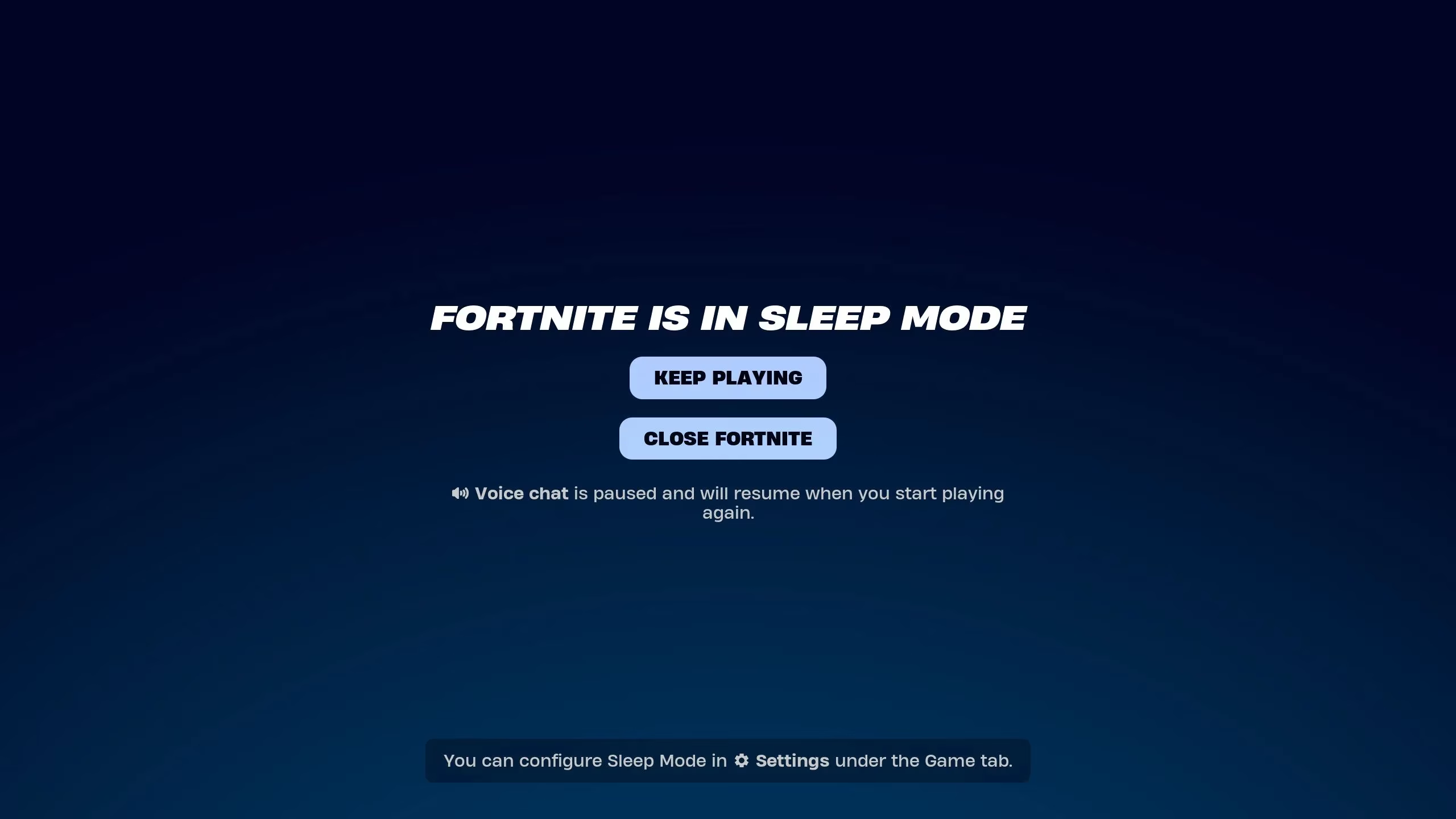
One aspect I quickly appreciated is how Sleep Mode handles the social side. Before this feature, leaving a party meant risking your spot or having to re-invite everyone later when someone needed a break. Now, party dynamics stay intact. I’ve had matches where two of us took staggered breaks—one for dinner, one for a phone call—and the party never fractured. It’s a subtle quality-of-life upgrade that rewards real-life responsibilities instead of punishing them.
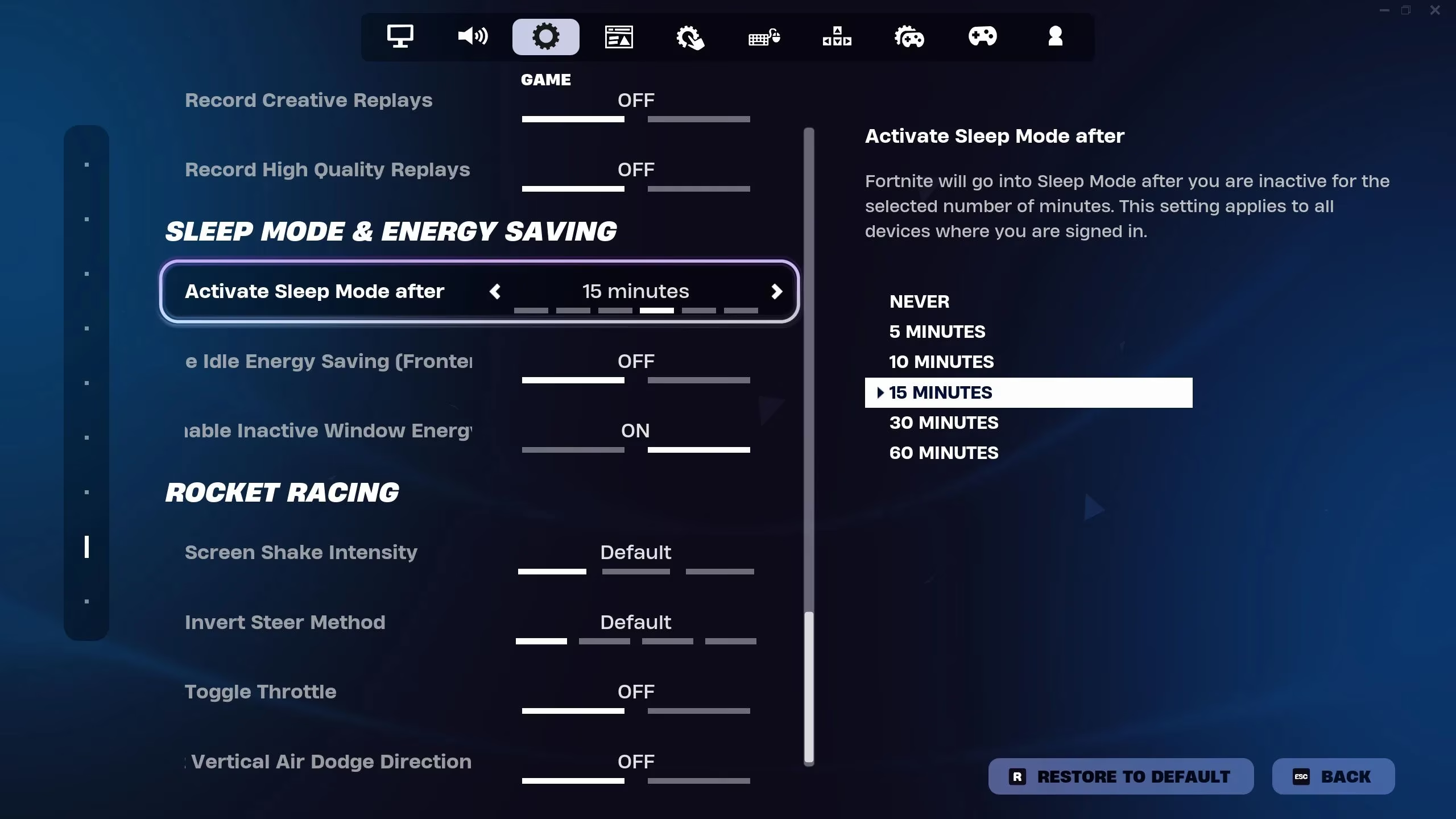
Customizing the timer is essential for different play styles. By default, Sleep Mode kicks in at 15 minutes of inactivity. For some, that’s too long; for others, too short. I’ve found that adjusting it to 10 minutes works best for my quick hydration breaks, while a parent in my clan sets it to 5 minutes for their teenager because they want the game to pause social features the moment homework calls. The control is entirely in your hands.
If you want to change this, head into the Settings menu and navigate to the Game tab. Scroll down until you see a section labeled “Sleep Mode and Energy Saving.” Here, you can set the timer anywhere from five minutes to a full hour, or simply toggle it off entirely. I love that the option exists to disable it—some competitive events or tournaments might require continuous presence, and you don’t want the game deciding to go to sleep mid-match. But for everyday play, I keep it on. It’s a safety net I didn’t know I needed.
On PC, you can even enter Sleep Mode manually. From the in-game menu, choose Exit and then select Sleep Mode. I’ve used this when I know I’ll be away for longer than a few minutes but don’t want to shut down the entire application. It’s a respectful nod toward other players—your squad sees you’ve intentionally gone into sleep mode rather than just going unresponsive.
Looking back from 2026, Sleep Mode has become such a seamless part of how I play Fortnite that I almost forget it wasn’t always there. It fits into the larger trend Epic Games has embraced: building a game that respects player well-being without sacrificing the social connection that makes Fortnite special. The accompanying parental controls, the time limits, and the energy-saving features all paint a picture of a game that grows with its audience. We’re not all teenagers grinding until 3 AM anymore—some of us have jobs, children, and creaky knees. Sleep Mode lets me be a responsible adult while still clutching Victory Royales with the squad.
Whether you’re a casual player, a dedicated grinder, or a parent managing a young fan’s gaming habits, I can’t recommend Sleep Mode enough. It’s one of those features that you don’t think about until you need it, and then you wonder how you ever played without it. Next time you boot up Fortnite, dive into the settings, tweak that timer, and give yourself permission to step away. The island will still be there when you get back—and so will your friends.